IZOTOPE Velvet
PRICE - Rs. 6,466
iZotope Velvet smart de-esser: Sibilance Learn with 6-band dynamic EQ, dynamic tone shaping with 8 target profiles, De-Click and 50 presets. Available in India from Shivansh Electronics, Kolkata, West Bengal, India.
VISUAL GUIDE — See Every Photo, Spec & Setup Step (PDF)
The price shown is inclusive of all taxes. Contact / WhatsApp +91 89818 07755 / +91 91477 00677 to check if any offers or additional discounts are available. If available, we will gladly share a coupon code that you can apply at checkout for the best price. All payments are processed securely through Razorpay, our trusted payment gateway partner.
Product
| Product type | Intelligent de-esser plug-in |
| Category | Vocal processing |
| Series | iZotope Catalyst Series |
| Delivery | Download, available immediately |
Processing
| Channels | Split Sibilance and Tonal channels, each with solo; adjustable split threshold |
| De-essing | Sibilance Learn; 6-band dynamic EQ; adjustable and addable EQ nodes; one-knob scaling; selectable filter types |
| Tone shaping | Lift and Tame knobs; 8 target profiles; frequency sliders |
| De-Click | Fader with repair counter for mouth clicks and pops |
| Monitoring and mix | Global Delta button; mix fader for parallel processing |
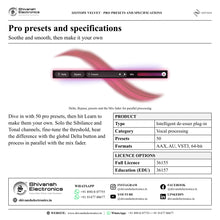
| Presets | 50 pro presets |
Formats and compatibility
| Plug-in formats | AAX, AU, VST3 |
| Architecture | 64-bit only |
| Hosts | AAX, AU and VST3 compatible hosts |
| System requirements | Full system requirements and supported hosts are confirmed with your quotation |
Licence options
| Full Licence | 36155 |
| Education Licence (EDU) | 36157 |
Product overview
iZotope Velvet is a smarter de-esser for smoother vocals: soften harshness and sibilance, dynamically shape tone and remove distracting mouth noises and clicks, all in one easy-to-use plug-in.
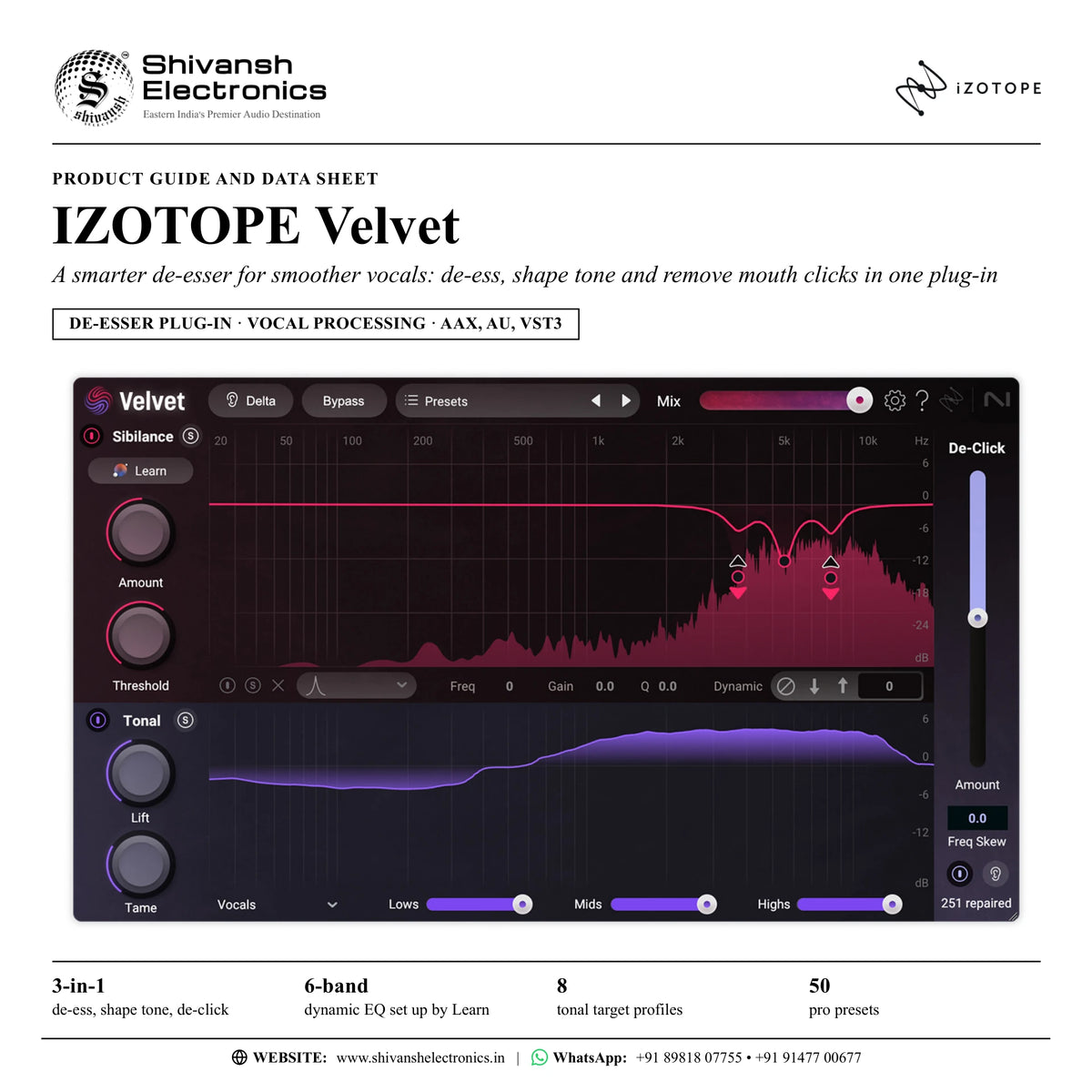
Velvet is a 3-in-1 sibilance tool that takes vocals from raw to flawless. Intelligently split Sibilance and Tonal channels soften sibilance and dynamically shape tone, Sibilance Learn instantly identifies sibilant frequencies, and De-Click precisely removes distracting mouth sounds, pops and clicks.
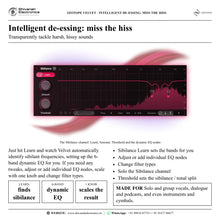
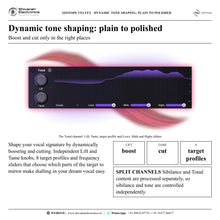
Just hit Learn and Velvet identifies the sibilant frequencies and sets up its 6-band dynamic EQ for you; adjust or add individual EQ nodes, scale with one knob and change filter types if you need to. Shape your vocal signature with independent Lift and Tame knobs, 8 target profiles and frequency sliders, boosting and cutting only in the right places.
50 pro presets, solo buttons for each channel, a global Delta button and a mix fader for parallel processing complete the toolkit. Velvet shines on solo vocals, group vocals, dialogue and even instruments and cymbals, and is part of the iZotope Catalyst Series.
| De-ess, shape tone, de-click | 3-in-1 |
| Dynamic EQ set up by Learn | 6-band |
| Tonal target profiles | 8 |
| Pro presets | 50 |
Key features
- Intelligent de-essing: Sibilance Learn identifies sibilant frequencies and sets up the 6-band dynamic EQ
- Adjust or add individual EQ nodes, scale with one knob and change filter types
- Dynamic tone shaping: independent Lift and Tame knobs, 8 target profiles and frequency sliders
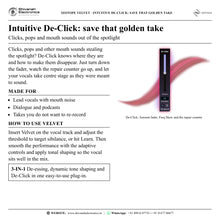
- De-Click: turn down the fader and watch the repair counter go up as mouth clicks and pops disappear
- Split Sibilance and Tonal channels, each with solo; threshold sets the split
- Global Delta button to hear what is being removed
- Mix fader for parallel processing
- 50 pro presets, made your own with Learn
Made for
- Solo and group vocals
- Dialogue and podcasts
- Instruments and cymbals with harsh highs
- Vocalists, podcasters and engineers who want a polished vocal
- Saving a golden take with mouth clicks
What's included
- Velvet software licence (download)
- Sibilance, Tonal and De-Click processing in one plug-in
- 50 pro presets
Licence options
- Full Licence (36155): the full Velvet plug-in licence
- Education Licence (EDU) (36157): for eligible students and teachers
iZotope Velvet: frequently asked questions
What is iZotope Velvet?
Velvet is an intelligent de-esser and vocal smoothing plug-in designed to deliver high-fidelity results without the artefacts of traditional processors. Its adaptive technology reacts to your audio in real time.
Who is Velvet for?
Any creator who needs to manage harsh sibilance, the "s" sounds. It is ideal for vocalists, podcasters and engineers who want a transparent way to a polished, professional vocal sound.
What does Velvet do?
It identifies and reduces harsh frequencies such as sibilance and mouth clicks while keeping the natural character of the performance, and it shapes vocal tone dynamically with the Tonal channel.
How do I use Velvet?
Insert it on your vocal track and adjust the threshold to target sibilance, or hit Learn. Then use the adaptive controls to smooth the performance and apply tonal shaping so the vocal sits well in the mix.
Which plug-in formats does Velvet support?
AAX, AU and VST3; all plug-ins are 64-bit only. The licence is delivered as a download. Full system requirements and supported hosts are confirmed with your quotation.
Where can I buy iZotope Velvet in India?
iZotope Velvet is available from Shivansh Electronics, Kolkata, West Bengal, India, delivered as a software licence anywhere in India.
Workflow 1: De-essing a lead vocal
Mix engineers and producers working on lead vocals.
Connections
| Connect | To |
|---|---|
| Vocal track | Velvet insert |
| Velvet output | Mix bus |
Setup
- Insert Velvet on the vocal track.
- Hit Learn while the vocal plays; Velvet sets up the 6-band dynamic EQ.
- Scale the result with one knob, or adjust individual nodes.
- Use the Delta button to hear exactly what is being removed.
Tip: Solo the Sibilance channel and fine-tune the threshold to find the perfect split.
Workflow 2: Shaping vocal tone
Producers polishing the vocal signature.
Connections
| Connect | To |
|---|---|
| Vocal track | Velvet insert |
| Velvet output | Mix bus |
Setup
- Choose one of the 8 target profiles in the Tonal channel.
- Use Lift to boost and Tame to cut, only in the right places.
- Set the frequency sliders for the parts of the target to mirror.
Tip: Tone shaping is dynamic, so the vocal stays consistent through the song.
Workflow 3: Removing mouth clicks
Engineers saving a golden take.
Connections
| Connect | To |
|---|---|
| Vocal or dialogue track | Velvet insert |
| Velvet output | Mix bus |
Setup
- Insert Velvet on the track.
- Turn down the De-Click fader.
- Watch the repair counter go up as clicks and pops disappear.
Tip: De-Click removes distracting mouth sounds without re-recording.
Workflow 4: Dialogue and podcasts
Podcasters and dialogue editors.
Connections
| Connect | To |
|---|---|
| Dialogue track | Velvet insert |
| Velvet output | Dialogue bus |
Setup
- Start from a pro preset and hit Learn to make it your own.
- Soften sibilance with the Sibilance channel.
- Clean up mouth noises with De-Click.
Tip: Velvet is ideal for vocalists, podcasters and engineers who want a polished vocal.
Workflow 5: Group vocals on a bus
Mix engineers balancing backing and group vocals.
Connections
| Connect | To |
|---|---|
| Group vocal tracks | Vocal bus |
| Vocal bus | Velvet insert |
Setup
- Insert Velvet on the group vocal bus.
- Hit Learn to find the sibilant frequencies of the group.
- Blend with the mix fader for parallel processing.
Tip: Velvet is not just for solo vocals; it shines on group vocals too.
Workflow 6: Taming harsh cymbals and instruments
Engineers smoothing bright sources.
Connections
| Connect | To |
|---|---|
| Cymbal or instrument track | Velvet insert |
| Velvet output | Mix bus |
Setup
- Insert Velvet on the cymbal or instrument track.
- Hit Learn and adjust the EQ nodes on the harsh frequencies.
- Check the result with Delta and balance with the mix fader.
Tip: The official audio examples include instruments and cymbals as well as vocals.