PRIMARE Zen Microphone
PRICE ON ENQUIRY
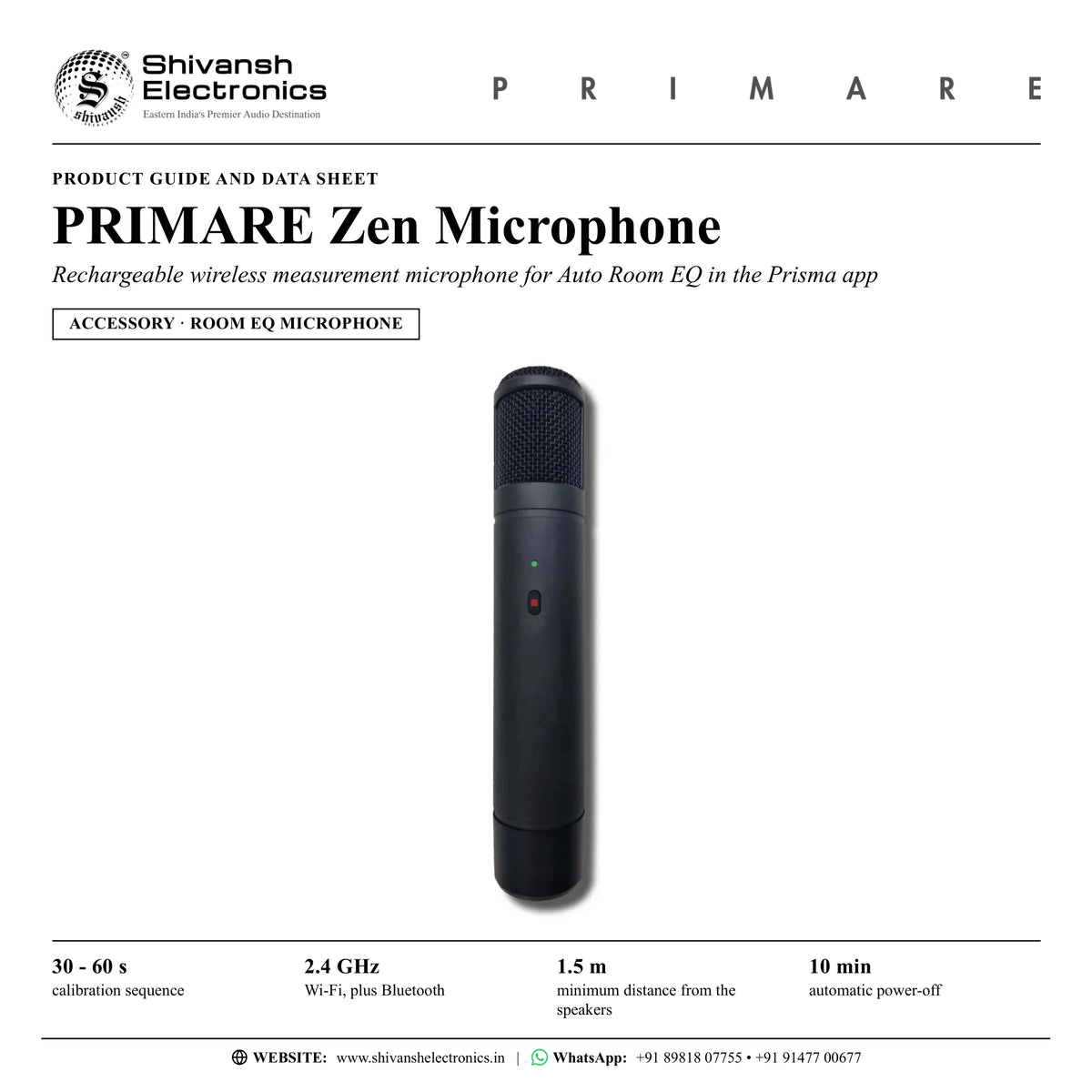
Primare Zen Microphone: rechargeable wireless measurement mic with Bluetooth and 2.4 GHz Wi-Fi for Auto Room EQ in the Prisma app. Available in India from Shivansh Electronics, Kolkata, West Bengal, India.
VISUAL GUIDE — See Every Photo, Spec & Setup Step (PDF)
PRICE ON ENQUIRY. For the price, exclusive offers, delivery timelines, or any other information, please Contact / WhatsApp +91 89818 07755 / +91 91477 00677. We will gladly share a personalised quotation for Shivansh Electronics, Kolkata, West Bengal, India. All payments are processed securely through Razorpay, our secure payment gateway.
General
| Type | Wireless measurement microphone for Auto Room EQ |
| Power | Rechargeable battery; power input on the bottom |
| Wireless | Bluetooth and 2.4 GHz Wi-Fi |
| Calibration time | 30 - 60 seconds |
| Automatic power-off | After 10 minutes without operation |
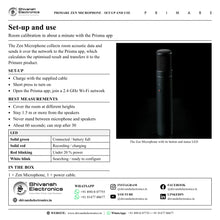
| Controls | Button and status LED on the front; reset pinhole on the bottom |
LED indications
| Solid green | Connected / battery full |
| Solid red | Recording / charging |
| Red blinking | Less than 20 % power |
| White, slow blink | Searching for network |
| White, rapid blink | Ready to configure |
Product overview
The Primare Zen Microphone is a rechargeable wireless measurement microphone that enables automatic room calibration of Primare Prisma products, such as the SC15 Prisma MK2, through the Prisma app on a phone or tablet.
The Zen Microphone is a calibration tool for collecting room acoustic data. It connects directly to the Primare product, so the measurement can be carried out easily with a smartphone or tablet. The data is collected during a calibration sequence of 30 to 60 seconds that anyone can do, and is sent over the network to the Prisma app.
The app processes and calibrates the data using the processor of the phone or tablet, and the optimised result is transferred to the Primare product to improve system performance. During the measurement pink noise plays through the system while you move around the room with the microphone, covering different heights and the whole room.
The microphone runs on a rechargeable battery and has built-in Bluetooth and 2.4 GHz Wi-Fi. Some phones and tablets can measure with their own microphone, others need the Zen Microphone; it can also be used with any supported device for improved room EQ results. A single button turns it on and off and starts a recording, a status LED shows connection, charging and battery level, and it switches itself off after 10 minutes without use.
Key features
- Wireless room measurement for Auto Room EQ in the Prisma app
- Rechargeable battery, charging cable supplied
- Built-in Bluetooth and 2.4 GHz Wi-Fi
- Calibration in 30 to 60 seconds, processed by the phone or tablet
- One-button operation with status LED and automatic power-off after 10 minutes
- Software updates over the internet
Made for
- Auto Room EQ of Primare Prisma products such as the SC15 Prisma MK2 and Allt-i-Ett
- Phones and tablets that need an external microphone for room EQ
- Improved room EQ results with any supported phone or tablet
In the box
- 1 × Zen Microphone
- 1 × power cable
Primare Zen Microphone: frequently asked questions
Do I need the Zen Microphone for room EQ?
Some phones and tablets can run Auto Room EQ with their own built-in microphone; others require the Zen Microphone. It can also be used with phones and tablets that do not need it, for improved results.
How do I set it up?
Charge the microphone with the supplied cable, turn it on with the button and open the Prisma app; the Wi-Fi set-up page should open automatically. If not, tap the phone icon in the top right corner of the app and follow the instructions. Use a 2.4 GHz network.
How do I take a good measurement?
Stand 1.5 m or more from the speakers, do not get between the microphone and the speakers, and move around the entire room at different heights. The measurement takes about 60 seconds and can be stopped after 30 seconds if the whole room has been covered.
Where can I buy the Primare Zen Microphone in India?
The Primare Zen Microphone is available from Shivansh Electronics, Kolkata, West Bengal, India, with delivery across India.
Workflow 1: Room EQ in a living-room music system
Owners of a Prisma product who want the bass to suit their room.
Connections
| Connect | To |
|---|---|
| Zen Microphone | Home 2.4 GHz Wi-Fi network |
| Prisma app on a phone or tablet | Primare Prisma product |
Setup
- Charge the microphone and turn it on with a short press.
- Join it to the 2.4 GHz network from the Prisma app.
- Start Room EQ in the app and wait for BEGIN.
- Short-press the microphone button to start recording.
- Move around the room at different heights, 1.5 m or more from the speakers, for about 60 seconds.
Tip: Do not stand between the microphone and the speakers during the measurement.
Workflow 2: Re-measuring after moving the speakers
Anyone who has rearranged the room or the loudspeakers.
Connections
| Connect | To |
|---|---|
| Zen Microphone | Prisma app |
| Prisma app | Primare Prisma product |
Setup
- Turn the microphone on; a solid green LED shows it is connected.
- Run Room EQ again in the Prisma app.
- Cover the entire room for at least 30 seconds.
- Apply the new calibration from the app.
Tip: Hold the button for 2 seconds to switch off; it also switches off after 10 minutes without use.