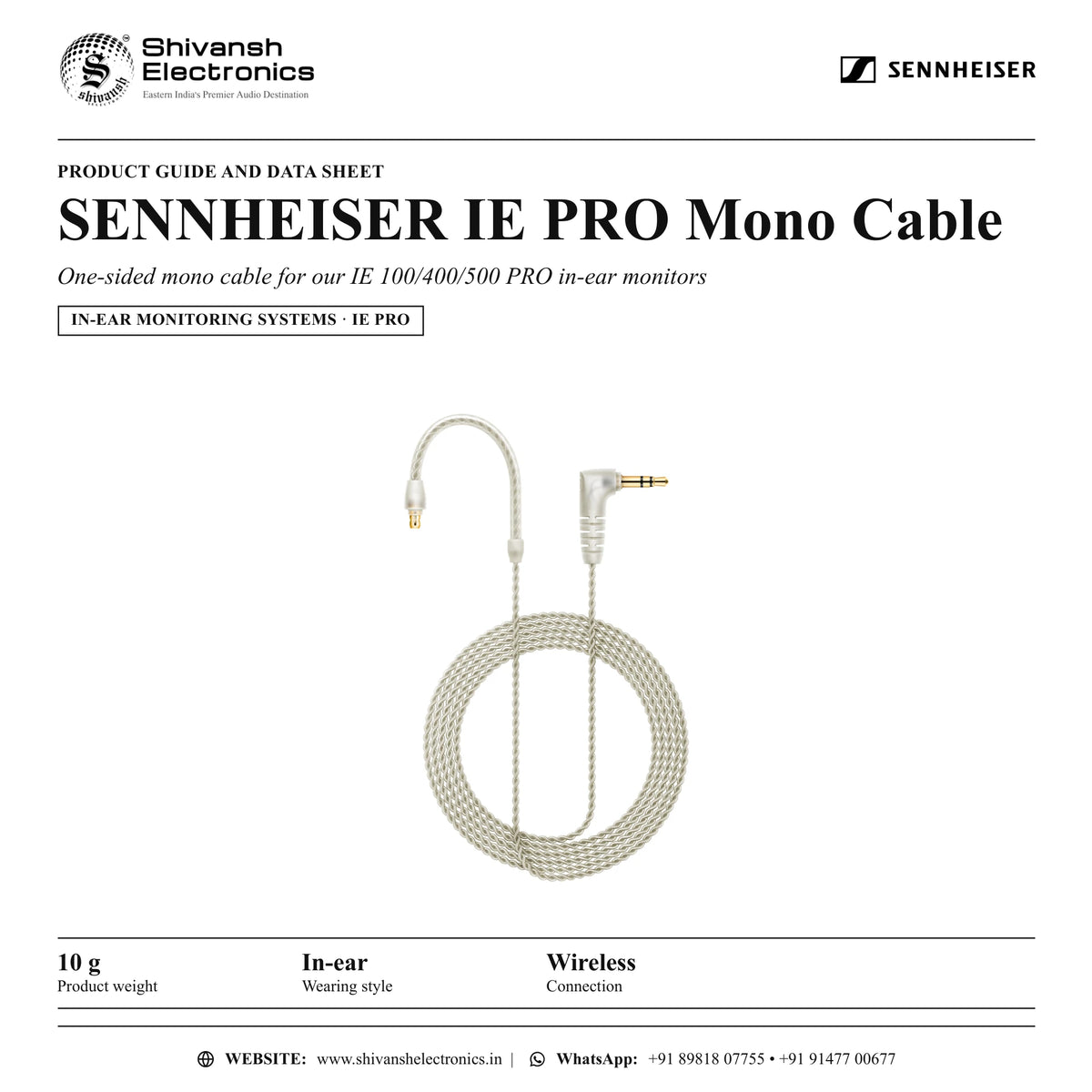

SENNHEISER IE PRO Mono Cable
MRP - Rs. 4,200
SENNHEISER IE PRO Mono Cable: One-sided mono cable for our IE 100/400/500 PRO in-ear monitors. Available in India from Shivansh Electronics, Kolkata, West Bengal, India.
VISUAL GUIDE — See Every Photo, Spec & Setup Step (PDF)
The price shown is inclusive of all taxes. Contact / WhatsApp +91 89818 07755 / +91 91477 00677 to check if any offers or additional discounts are available. If available, we will gladly share a coupon code that you can apply at checkout for the best price. All payments are processed securely through Razorpay, our trusted payment gateway partner.
Product
| Wearing style | In-ear |
Connectivity
| Connection | Wireless |
Dimensions
| Product weight | 10 g |
Product overview
The SENNHEISER IE PRO Mono Cable is a one-sided mono cable for our ie 100/400/500 pro in-ear monitors from SENNHEISER, part of the Ie Pro range.
One ear for the show, one ear for the live feed or the director: the IE PRO Mono Cable keeps one ear free for comfortable interaction with your team, the environment or guests. Thanks to its transparent and twisted design, the cable is both elegant and discreet. If connected to stereo signal only left signal will be transmitted. Can be used with any IE 100/400/500 PRO in-ear headphones. The cable construction is designed to be tension-safe and can withstand any live situation. Can be worn left or right.
| Product weight | 10 g |
| Wearing style | In-ear |
| Connection | Wireless |
SENNHEISER IE PRO Mono Cable: frequently asked questions
Where can I buy the SENNHEISER IE PRO Mono Cable in India?
The SENNHEISER IE PRO Mono Cable is available from Shivansh Electronics, Kolkata, West Bengal, India, with delivery across India.
Workflow 1: In-ear monitoring on stage
Musicians and monitor engineers.
Setup
- Feed the monitor mix from the mixer to the transmitter input.
- Set the transmitter and the bodypack receiver to the same frequency.
- Start with a low volume on the receiver and raise it slowly.
Workflow 2: Several performers
Bands with individual monitor mixes.
Setup
- Give each performer a receiver and a separate mix where the system allows it.
- Plan the frequencies before the show so the links do not interfere.
Workflow 3: Rehearsal
Bands and worship teams.
Setup
- Set up the IE PRO Mono Cable with the rehearsal mix.
- Check the battery or charge status before every session.
Workflow 4: Theatre and stage productions
Theatre and event sound teams.
Setup
- Plan the frequencies for all wireless channels before the show.
- Check battery status during rehearsals.
Workflow 5: Video and broadcast
Video crews and broadcasters.
Setup
- Connect the receiver output to the camera or recorder.
- Monitor the audio on headphones during recording.
Workflow 6: Rental and touring
Rental companies and touring crews.
Setup
- Label each system with its frequency and channel.
- Store transmitters, receivers and accessories in their case after use.