SENNHEISER MZH 3072
MRP - Rs. 35,190
SENNHEISER MZH 3072: 70 cm matt-black gooseneck for ME 34, ME 35 and ME 36 microphone heads. Available in India from Shivansh Electronics, Kolkata, West Bengal, India.
VISUAL GUIDE — See Every Photo, Spec & Setup Step (PDF)
The price shown is inclusive of all taxes. Contact / WhatsApp +91 89818 07755 / +91 91477 00677 to check if any offers or additional discounts are available. If available, we will gladly share a coupon code that you can apply at checkout for the best price. All payments are processed securely through Razorpay, our trusted payment gateway.
Battery & Power
| Phantom power | P12 - P48 V |
Dimensions
| Product weight | 173 g |
| Goose neck length (mm) | 700 mm |
Product overview
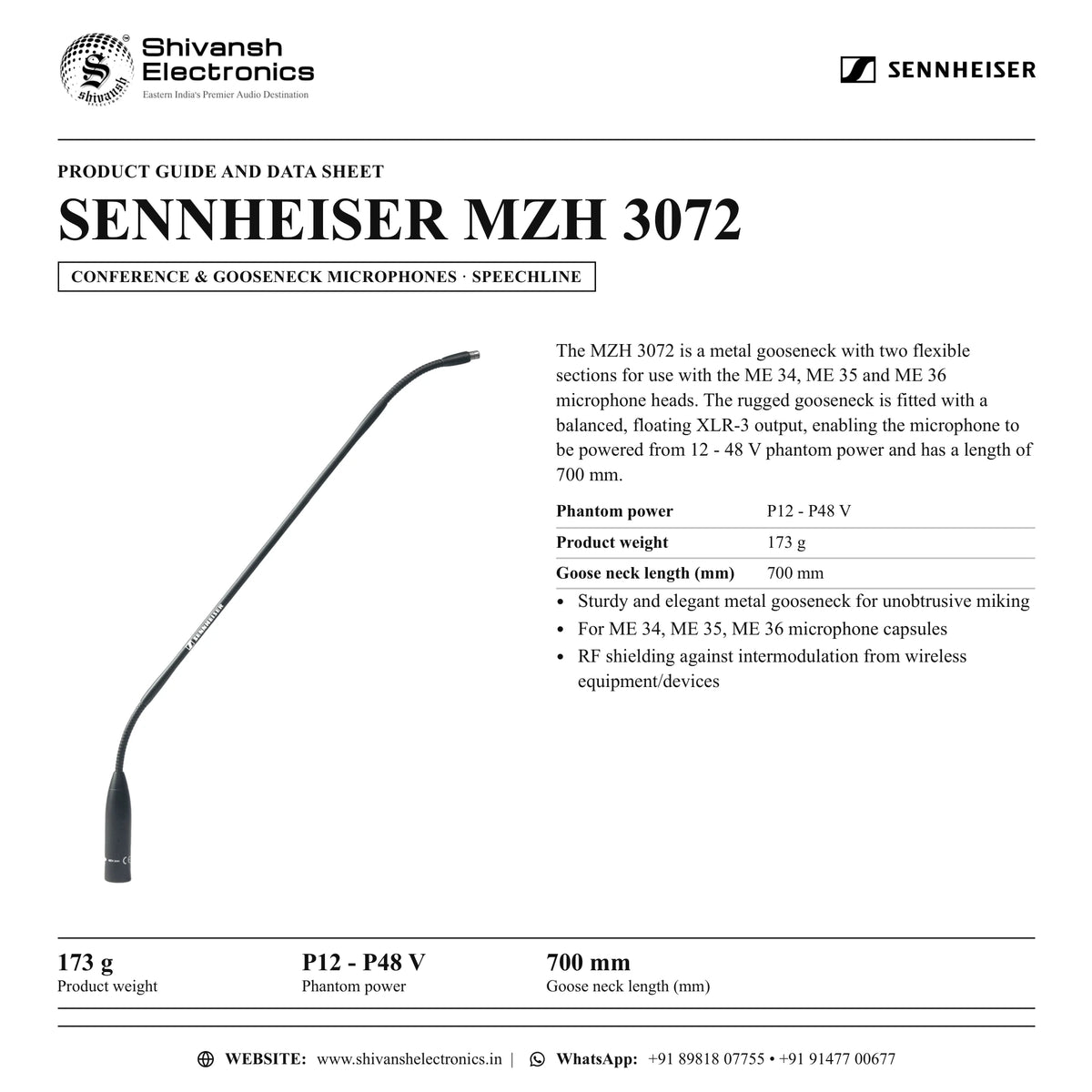
The SENNHEISER MZH 3072 is a 70 cm matt-black gooseneck for ME 34, ME 35 and ME 36 microphone heads from SENNHEISER, part of the SpeechLine range.
The MZH 3072 is a metal gooseneck with two flexible sections for use with the ME 34, ME 35 and ME 36 microphone heads. The rugged gooseneck is fitted with a balanced, floating XLR-3 output, enabling the microphone to be powered from 12 - 48 V phantom power and has a length of 700 mm.
| Product weight | 173 g |
| Phantom power | P12 - P48 V |
| Goose neck length (mm) | 700 mm |
Key features
- Sturdy and elegant metal gooseneck for unobtrusive miking
- For ME 34, ME 35, ME 36 microphone capsules
- RF shielding against intermodulation from wireless equipment/devices
SENNHEISER MZH 3072: frequently asked questions
Where can I buy the SENNHEISER MZH 3072 in India?
The SENNHEISER MZH 3072 is available from Shivansh Electronics, Kolkata, West Bengal, India, with delivery across India.
Workflow 1: Boardroom and meeting tables
Corporate meeting rooms.
Connections
| Connect | To |
|---|---|
| MZH 3072 output | Conference or mixer input |
Setup
- Place or mount the MZH 3072 at each speaker position.
- Switch on phantom power where the specification calls for it.
- Set the gain for a normal speaking voice.
Workflow 2: Lecterns and pulpits
Places of worship, schools and auditoriums.
Setup
- Mount the MZH 3072 at the lectern.
- Aim it at the speaker's mouth.
Workflow 3: Council and courtroom
Government and legal venues.
Setup
- Install one microphone per seat.
- Label each channel on the mixer.
Workflow 4: Wired installation
Integrators wiring meeting rooms, lecture halls and places of worship.
Connections
| Connect | To |
|---|---|
| MZH 3072 (XLR) | Microphone input of the mixer, DSP or conference system |
Setup
- Run a balanced microphone cable (XLR) from each microphone position to the mixer, DSP or conference system.
- Switch on phantom power on those inputs where the official specification calls for it.
- Label every cable and input channel at both ends.
Workflow 5: Gooseneck and stand mounting
Installers fitting microphones to tables, lecterns and ceilings.
Setup
- Fit the microphone head to the gooseneck, and the gooseneck to the table stand, flush mount or floor stand.
- Use a stand or mount with the matching XLR connector (XLR-3 or XLR-5, as given in the official specification).
- Bend the gooseneck so the microphone points at the speaker's mouth.
Workflow 6: Checks and care
Venue technicians.
Setup
- Test every microphone position before the meeting or service.
- Keep spare windshields and cables with the system.
- Clean foam windshields regularly and replace them when worn.