TASCAM RC-SS150
MRP - Rs. 58,450
TASCAM RC-SS150 Flash Play remote: colour LCD, 12 buttons, 96 sounds in 8 pages, for SS-R250N / SS-CDR250N / SS-R300N. Available in India from Shivansh Electronics, Kolkata, West Bengal, India.
VISUAL GUIDE — See Every Photo, Spec & Setup Step (PDF)
The price shown is the MAXIMUM RETAIL PRICE (MRP), inclusive of all taxes. For the best price, exclusive offers and discounted rates, delivery timelines, or any other information, please DM us or call +91 89818 07755 / +91 91477 00677. We will gladly share an exclusive coupon code that you can apply at checkout. All payments are processed securely through Razorpay, our trusted payment gateway partner.
Specifications
| Control I/O | RS‑232C, D‑sub 9‑pin (female), No. 4‑40 UNC screws |
| Power | DC 12 V (supplied by the recorder) |
| Power consumption | 1.3 W |
| Dimensions (W x H x D) | 176 x 59 x 215 mm |
| Weight | 1.1 kg |
| Operating temperature | 5‑35 °C |
| Firmware | V1.04 (latest listed) |
Product overview
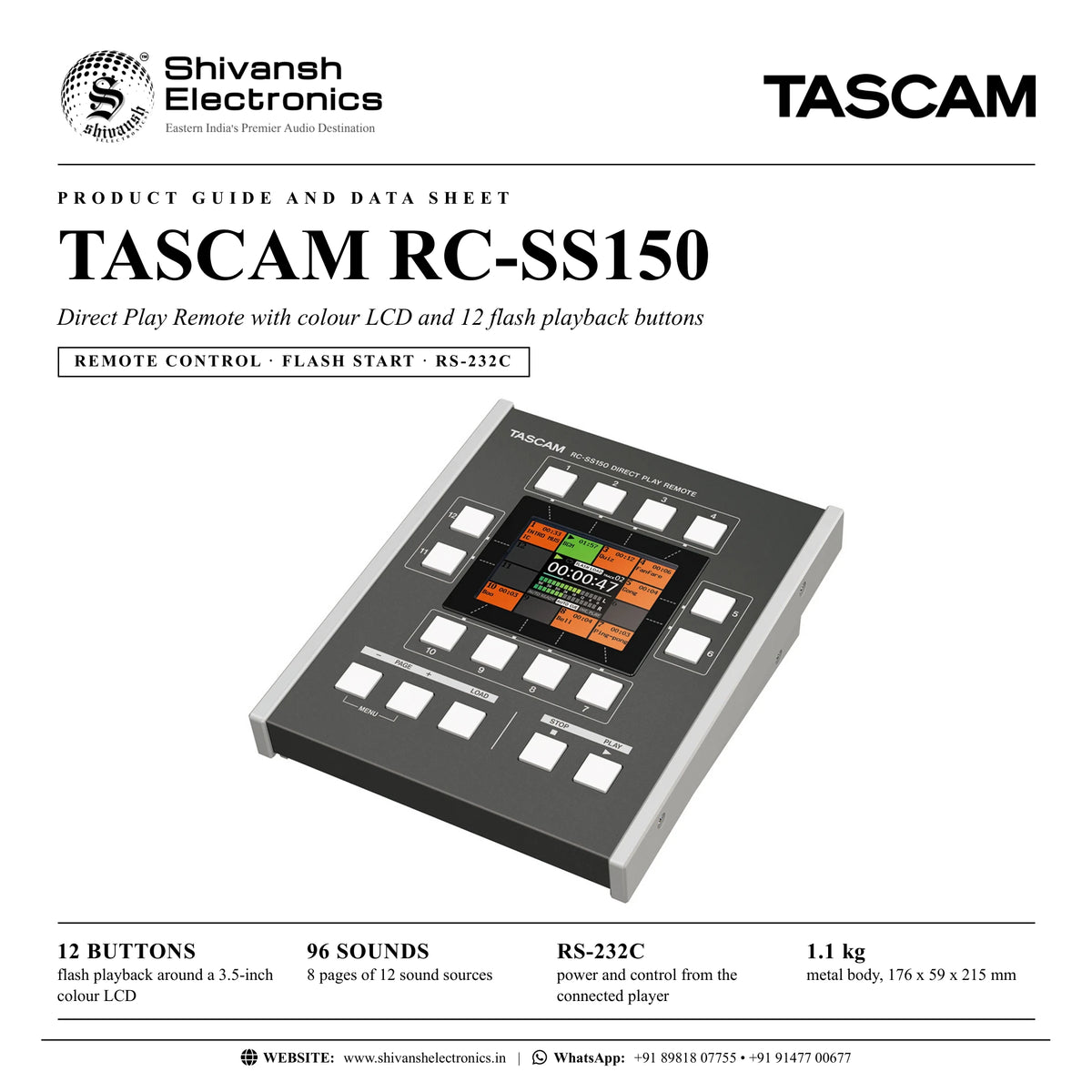
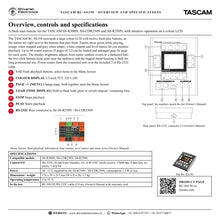
The TASCAM RC-SS150 is a Flash Play remote control for the SS-R250N, SS-CDR250N and SS-R300N solid-state recorders, with a large colour LCD surrounded by 12 dedicated buttons.
Each button shows its assigned file name on the screen: green while playing, orange when stopped and grey when empty, together with a time counter and level meter. Up to 96 sounds can be loaded in 8 pages of 12, ideal for sound effects, background music at events and broadcast programmes. LCD brightness is adjustable, the buttons are designed for minimal click noise, the housing is rugged, and power comes from the recorder over the RS-232C cable.
Compatible with
- TASCAM SS-R300N, SS-CDR250N, SS-R250N
In the box
- RC-SS150 remote
- RS-232C cable (5.0 m)
- Owner's manual (with warranty card)
TASCAM RC-SS150: frequently asked questions
Does it need its own power supply?
No. It is powered with DC 12 V supplied by the connected recorder.
Where can I buy the TASCAM RC-SS150 in India?
The TASCAM RC-SS150 is available from Shivansh Electronics, Kolkata, West Bengal, India, with delivery across India.
Workflow 1: Sound effects for an event
Trigger stings, applause and music cues.
Connections
| Connect | To |
|---|---|
| RC‑SS150 RS‑232C | RS‑232C port of the SS‑R250N / SS‑CDR250N (5 m cable) |
Setup
- Connect the remote with the supplied RS-232C cable.
- Assign files to the 12 buttons on each page.
- Set the LCD brightness for the room.
- Press a button to play; watch the colour and level meter.
Workflow 2: Broadcast programme playback
Run jingles and beds on air.
Connections
| Connect | To |
|---|---|
| RC‑SS150 | RS‑232C port of the SS‑R300N |
Setup
- Connect and power up the recorder; the remote is powered from it.
- Load up to 96 sounds into 8 pages.
- Switch pages per programme segment.
- Use the low-noise buttons to fire sounds close to microphones.